Call more leads every day
Cut manual dialing and keep your team talking.
Simplify communication, automate calls and get real-time insights. From SIM and cloud calling to AI, IVR and WhatsApp, Swiftdial covers your whole calling workflow.
 SIM-Based Calling
 Cloud CRM
 AI Calling
 Bulk IVR CallingBulk WhatsApp Message
 Lead Integrate
 Virtual Human Caller
 Auto Dialer
 Omnichannel Leads
 Telecalling
SIM, cloud and AI calls in one place
Find the right feature
Pick a goal to see which of the 10 features help most.
Each one opens its own page.
Cut manual dialing and keep your team talking.
Answer and qualify every caller, even after hours.
Send offers, reminders and updates in one go.
Record calls, manage follow-ups and keep your team on track.
Swift Dial Features
Ten tools that take a lead from first touch to closed deal. Pick one to see how it works.
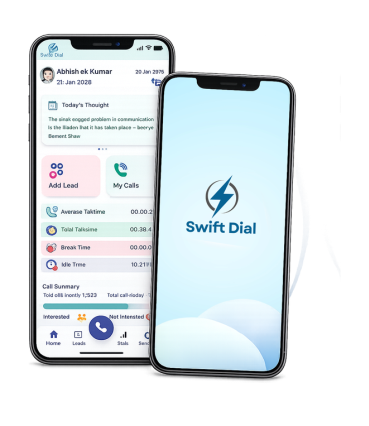
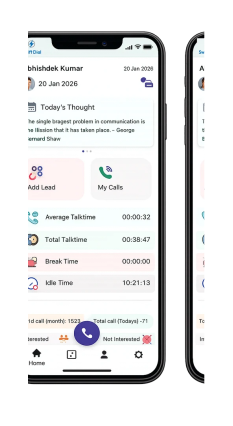
Your team calls leads from their own SIM cards through the Swift Dial app, so customers see a normal mobile number and you keep your existing mobile plan.
Make and manage business calls over the internet with VoIP calling, whether your team works from the office, from home or in the field.
AI-assisted calls answer enquiries, qualify interest and send hot leads to the right person, so reps spend their time on the conversations that matter.
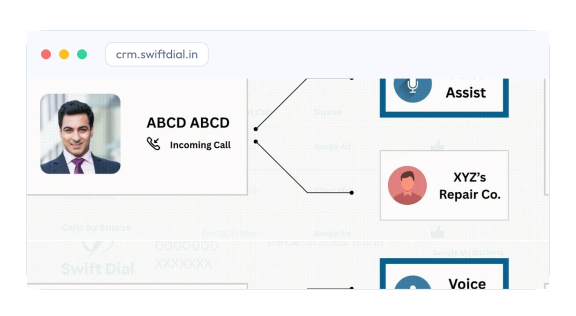
Greet callers with recorded messages and key-press menus, then route each one to the right team or let them help themselves.
Share offers, promos, updates and notifications with many opted-in customers at once on WhatsApp, without leaving Swift Dial.
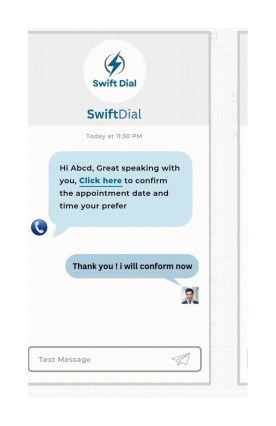
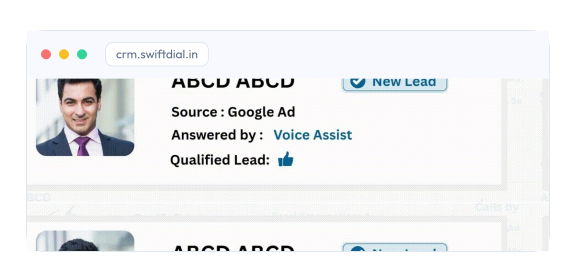
Leads from your website, Facebook, Instagram, WhatsApp and Google Ads land in the Swift Dial CRM, organized and ready to call.
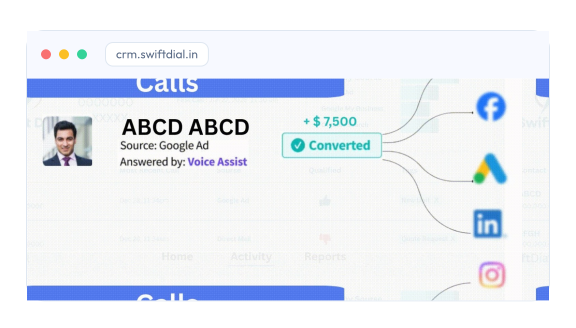
Record business calls automatically and replay them anytime, so your team can recall details and follow up with context.
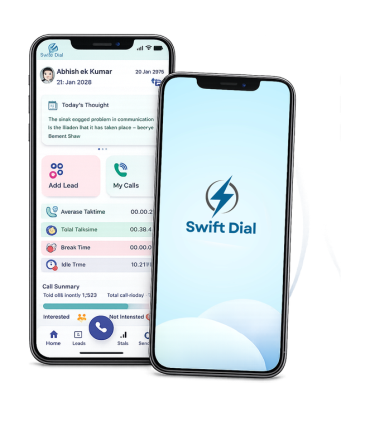
Swift Dial dials through your lead list automatically, so agents spend their time talking to prospects instead of typing numbers.
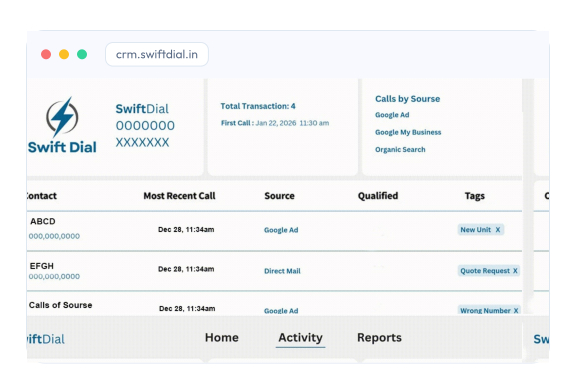
Organize, monitor and manage every call your team makes, with call activity and reports for each agent in one place.
Give your telecalling team one place to work through leads: call, note the outcome and set the next follow-up without switching apps.
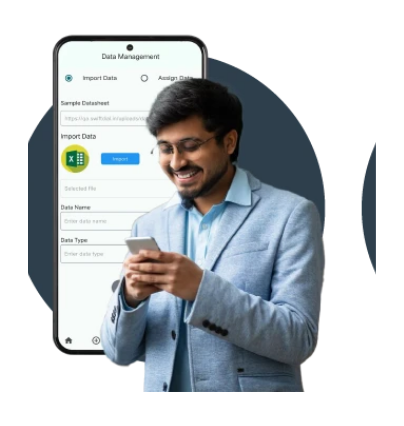
We make it better together
The ten features work as one system, so nothing gets lost between tools.
Leads arrive from web forms, WhatsApp, your website and imported lists in one place.
Reps call from their own SIM or the cloud, with the right caller ID and CRM details for every interaction.
Every call, recording and outcome is logged, and managers see it live on the dashboard.
Also included
Every plan comes with the reporting, scheduling and CRM basics your team uses all day.
Record calls and keep each recording with its lead.
Analytics on calls, agent performance and campaign results.
Upload contact lists and schedule campaigns in advance.
Customize call statuses and product lists and update in real time.
Track every interaction, follow-up and campaign in one place.
Reminders for every callback, so no lead slips through.
Role-based access
Set permissions by role, so each person sees exactly what they need.
Manage users, permissions and company settings, and see every report.
Monitor team calls, targets and productivity in real time.
Work with assigned leads, tasks and follow-ups, and manage their own activities.
Dial through the queue and log every call outcome in one tap.
Industries
Swif Dial works for any team that lives on the phone. Here's how different industries put it to work.
Capture and qualify interested buyers before they call.
Explore Real Estate CRMReach loan leads faster, with smart call routing and reminders.
Explore Finance CRMCall admission enquiries and book counselling sessions.
Explore Education CRMContact patients, manage reminders and schedule follow-ups.
Explore Healthcare CRMRun renewal and policy reminder calls on time.
Explore Insurance CRMHandle high call volumes across large calling teams.
Explore Call Center CRMConfirm orders and follow up on abandoned carts.
Explore E-commerce CRMKeep field teams calling and updating leads on the go.
Explore Field Services CRMSwift Dial is a business calling and lead management platform that helps sales teams manage leads, organise follow-ups, track calls, and improve productivity from one place.
SIM-based calling uses your mobile network connection to make calls. Depending on your Swift Dial setup, it can help your team manage business calls while keeping workflows organised.
Swift Dial is designed for sales teams, telecallers, customer support teams, real estate businesses, financial services, education providers, and other businesses that rely on calls to connect with leads.
Swift Dial can support team-based workflows where access depends on user roles and permissions. Contact our team to confirm the roles and access controls available in your plan.
Integration options depend on your existing CRM and Swift Dial plan. Contact our team to discuss your current setup and the integrations available for your business.
Data protection depends on your account configuration and the security controls enabled for your service. Contact Swift Dial for details about data handling, access controls, and applicable security measures.
You can contact our support team through WhatsApp or your designated Swift Dial support channel for help with setup, account questions, and troubleshooting.